
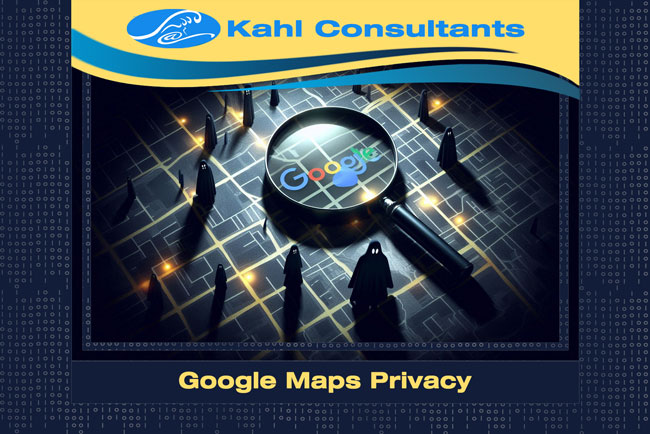
It’s Halloween time, do you get the feeling someone or something is stalking you?
Maybe it’s not a ghost, maybe it’s Google Maps? Yes, Google Maps! Sure it’s a great map application, no need to buy a GPS device.
But what about the data Google gathers about you? Let’s look into the privacy issues of using Google Maps.
First: What is Location Data?
Remotely tracking you is a digital form of leaving breadcrumbs to follow. Google is capable of tracking you at any time by analyzing your movements. It uses your phone’s GPS, Wi-Fi, and even your cell signals.
Google enhances its services by then using this location-related information. That data helps Google Maps provide better information about roads. The data also assists Google in offering up places “near you” as well as ads targeted at you.
Second: What About Privacy?
This is where it gets a little technical. Google says it respects privacy, but problems with how your data is utilized remain. Third parties can access that data. Sounds like a bit too much stalking going?
Stop Google From Tracking You
Things you can and probably should do:
- Change a few Google Maps settings – to limit the data Google is collecting from you.
- Disable location history – turn off Google Location History entirely. Google will not store the data to be used for location tracking.
- Incognito mode – stop your location profile from being matched with your other account information.
- Use another app:
Remember: Your privacy is important. By understanding how Google Maps collects and uses your location data, you can take steps to protect yourself.
Interested in topics like this? Visit KC News for more tech tips!
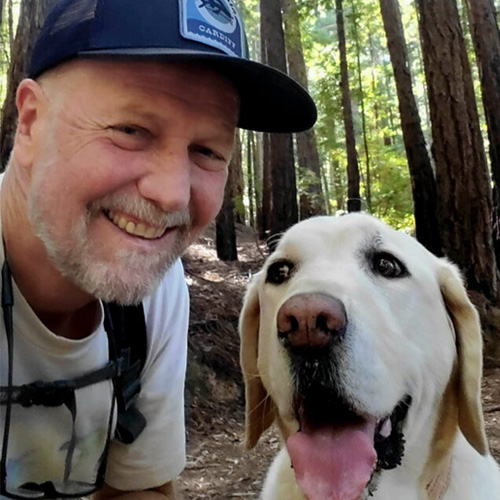
Alex Kahl is an experienced international consultant, software developer, and technical project manager with a deep background in environmental auditing and green financing. In 1996, he founded Kahl Consultants, a solar-powered, certified green agency providing eco-friendly web development and digital marketing services to small businesses and nonprofits. Beyond his professional work, he is a dedicated community leader in Marin County who organizes the monthly Marin Green Drinks mixer and volunteers for local environmental restoration projects.